
What is Colocation?
Introduction
Malaysia’s data centre colocation market isn’t just growing, it’s on track for a 29.98% CAGR between 2024 and 2030, fuelled by rising AI adoption, cloud migration, digital transformation, and stricter data localisation requirements. As businesses rely more heavily on digital services and mission-critical applications, more are rethinking where their IT infrastructure actually belongs.
That’s where colocation comes in. Instead of keeping servers in an office server room, businesses can move their hardware to a colocation data centre while continuing to own and manage it themselves. It’s a practical middle ground between keeping everything on-premises and moving entirely to the cloud. In this guide, you’ll learn what colocation is, how it works, who it is suitable for, its key benefits, and how to choose the right colocation provider in Malaysia.
What is Colocation?
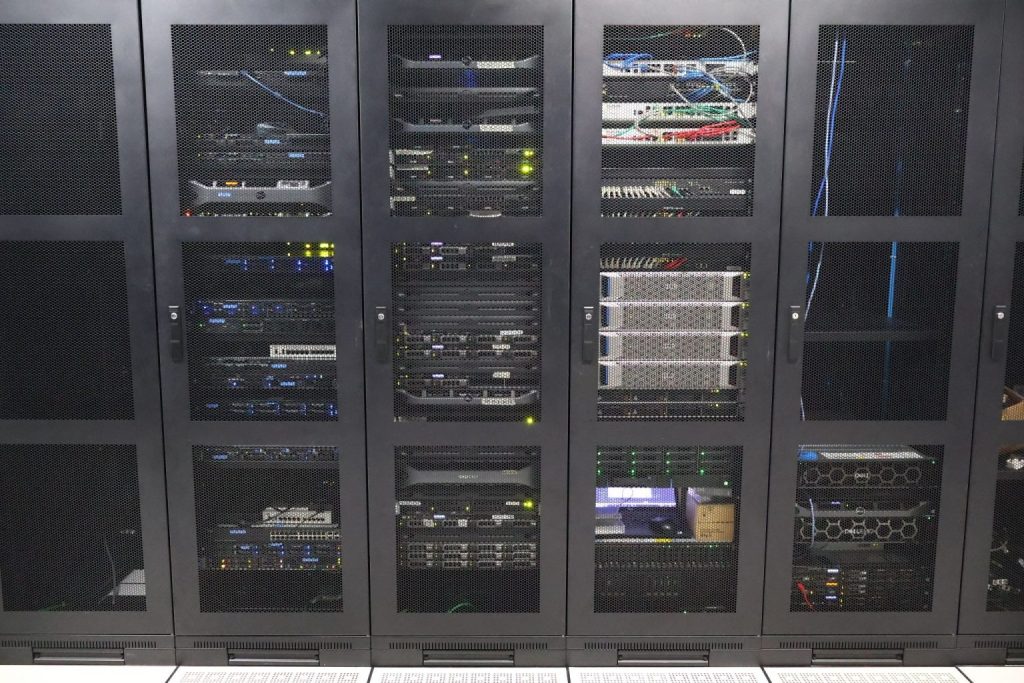
Colocation is a data centre service that allows businesses to place their own servers, storage, and networking equipment in a third-party data centre. You still own and manage your hardware, but the colocation provider takes care of the facility where it’s housed.
Rather than investing in your own data centre, you rent space in one that’s already built for reliability. This means your equipment operates in a secure environment with redundant power, cooling, high-speed connectivity, and around-the-clock monitoring, helping your business run more reliably without the cost and complexity of managing the facility yourself.
What is a Colocation Data Centre?
A colocation data centre is a specialised facility where multiple organisations house their servers and other IT equipment. Unlike a typical office server room, it is purpose-built to support continuous operation, helping keep critical systems running even during power outages, equipment failures, or planned maintenance.
Common Colocation Terms You Should Know
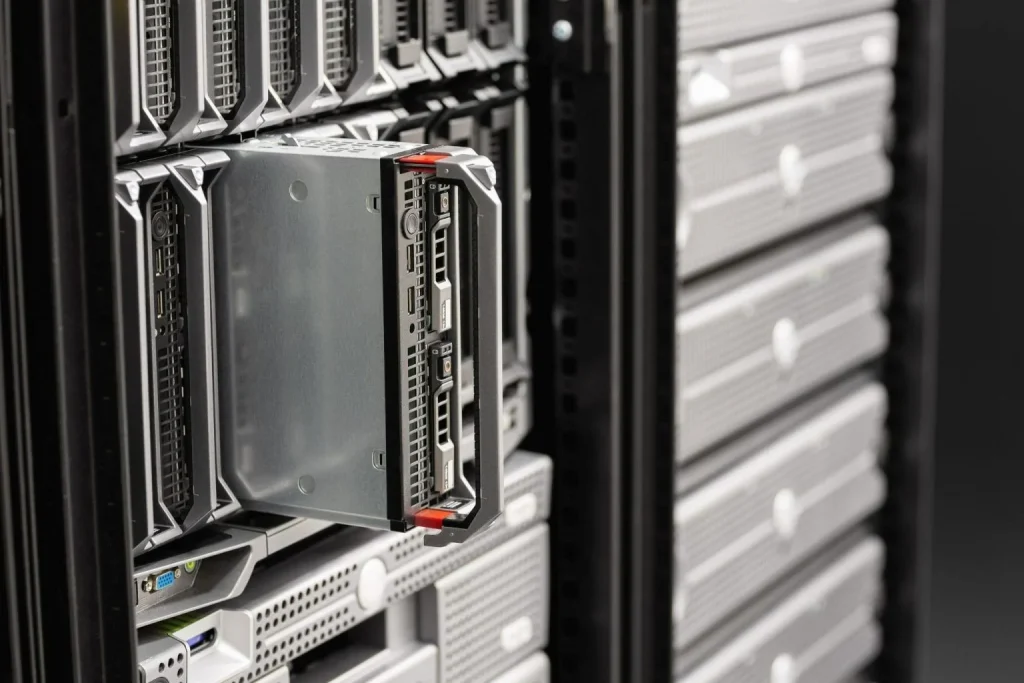
Colocation services often involve technical terminology related to data centre infrastructure, networking, and service delivery. Familiarising yourself with these terms will make it easier to evaluate providers and communicate your requirements with confidence:
1. Rack
A rack is the cabinet that houses servers and networking equipment.
Most enterprise racks are 42U in height, where U stands for rack unit. One rack unit (1U) measures 1.75 inches (44.45 mm), and larger servers occupy more rack units.
2. Cabinet
A cabinet is the enclosed rack that physically protects your equipment.
Cabinets usually include:
- Lockable doors
- Cable management
- Airflow optimisation
- Power distribution units (PDUs)
Some providers offer shared cabinets, while others provide dedicated cabinets for a single customer.
3. Cage
A cage is a secured area containing multiple racks.
Large enterprises often lease cages when they require:
- Additional physical security
- Multiple cabinets
- Dedicated networking equipment
- Controlled access for their IT teams
4. Cross-Connect
A cross-connect is a direct physical connection between your equipment and another service inside the data centre.
It is commonly used to connect to:
- Internet service providers
- Cloud providers
- Telecommunications carriers
- Business partners
Cross connects often provide lower latency and improved reliability compared to connecting through the public internet.
5. Remote Hands
Remote hands is an on-site technical support service provided by the data centre.
Instead of travelling to the facility, your IT team can request technicians to perform tasks such as:
- Rebooting a server
- Replacing cables
- Checking indicator lights
- Swapping hard drives
- Installing hardware
- Taking photographs of equipment
- Verifying physical connections
6. Bandwidth
Bandwidth refers to the amount of network capacity available for transferring data.
Higher bandwidth enables servers to:
- Handle more users simultaneously
- Transfer files more quickly
- Support cloud applications
- Deliver websites with lower latency
Bandwidth requirements depend on workload, application type, and expected traffic.
7. Power Density
Power density refers to how much electrical power is allocated to a rack.
Modern AI, virtualisation, and high-performance computing servers consume considerably more power than traditional servers, making power density an important consideration when selecting a colocation provider.
8. Service Level Agreement (SLA)
An SLA outlines the service commitments made by the provider, including areas such as:
- Facility availability
- Power uptime
- Network uptime
- Response times
- Maintenance procedures
Features of a Colocation Data Centre
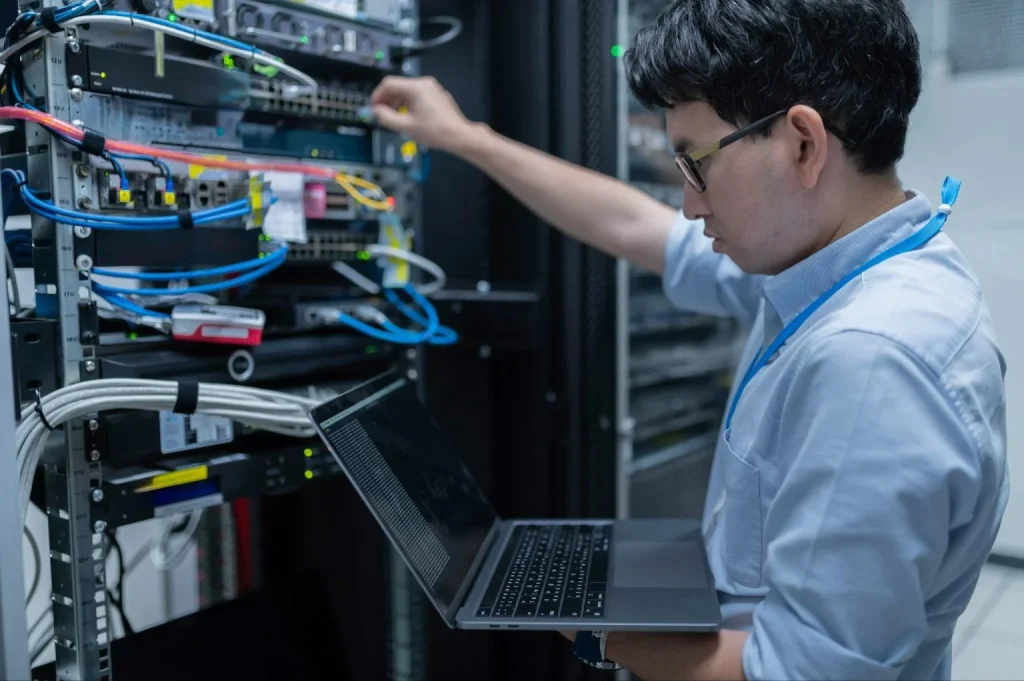
Not all colocation facilities offer the same level of service. While the exact features vary by provider, enterprise-grade data centres are designed to deliver a secure, resilient, and scalable environment for critical IT infrastructure.
1. Redundant Power Infrastructure
Power interruptions are one of the biggest causes of unexpected IT downtime. A quality colocation data centre is designed with multiple layers of power redundancy to minimise disruption.
Common features include:
- Dual power feeds
- Uninterruptible Power Supply (UPS) systems
- Backup generators
- Automatic transfer switches
- Continuous power monitoring
These systems work together to ensure your equipment continues operating even if the main utility supply is interrupted.
2. Precision Cooling
Servers generate significant heat, and excessive temperatures can reduce performance or damage hardware.
Colocation facilities use precision cooling systems to maintain stable temperature and humidity levels, helping to improve equipment reliability and lifespan.
3. Carrier-Neutral Connectivity
Many colocation providers offer connections to multiple telecommunications carriers.
Rather than relying on a single internet provider, businesses can choose the network that best meets their performance, redundancy, or pricing requirements.
4. Physical Security
Protecting physical infrastructure is just as important as securing software and networks.
Enterprise data centres typically implement multiple layers of security, such as:
- 24/7 CCTV surveillance
- Security personnel
- Biometric or card access
- Visitor management procedures
- Locked cabinets
- Secure cages or private suites
These measures help prevent unauthorised access while maintaining a detailed audit trail.
5. Environmental Monitoring
Data centres continuously monitor environmental conditions, including temperature, humidity, smoke, water leaks, and power, allowing operators to respond quickly to potential issues.
6. 24/7 Operations Support
Enterprise facilities are staffed around the clock to monitor infrastructure and respond to incidents.
Operations teams may assist with:
- Incident response
- Facility monitoring
- Access management
- Scheduled maintenance
- Remote hands requests
7. Scalability
One advantage of colocation is the ability to expand your infrastructure as your business grows.
Depending on your requirements, providers may allow you to scale from:
- Individual rack units
- Half racks
- Full racks
- Multiple cabinets
- Private cages
- Dedicated suites
This flexibility allows businesses to increase capacity without relocating to a new facility.
Types of Colocation Services
1. Retail Colocation
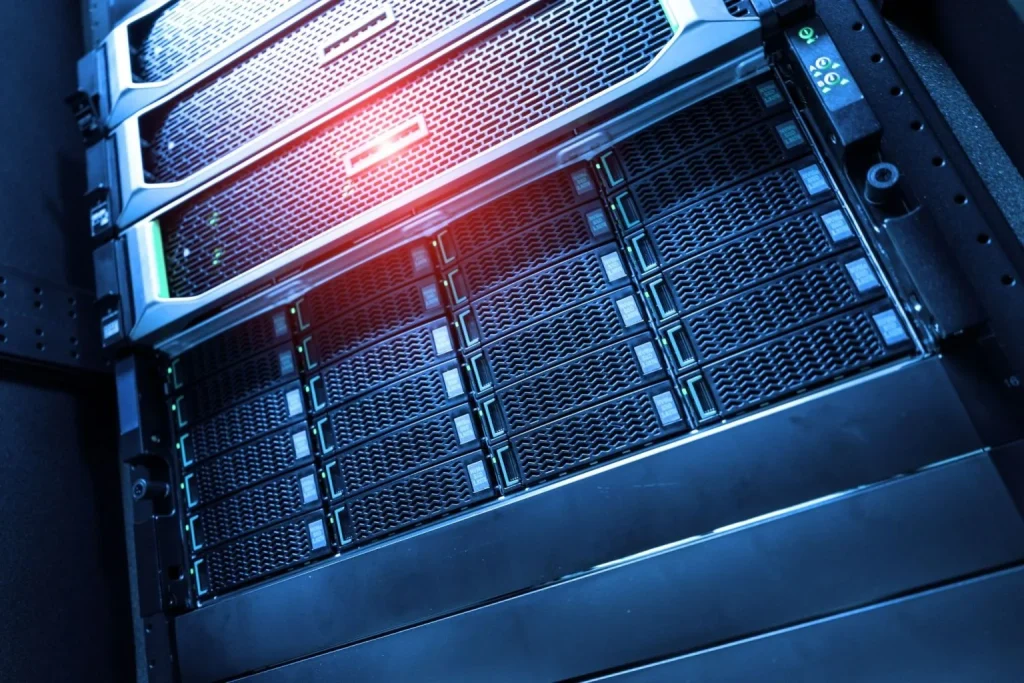
Retail colocation is designed for organisations that need to host a relatively small amount of equipment, from a few rack units to multiple full racks. The provider supplies the data centre infrastructure, while customers pay only for the space, power, and bandwidth they require.
Best suited for: SMEs, growing businesses, and enterprises with small to medium-sized deployments.
Typical deployment: Individual rack units, half racks, full racks, or multiple racks.
Key benefits: Enterprise-grade power, cooling, physical security, and network connectivity without the cost of building and maintaining an in-house data centre.
2. Wholesale Colocation
Wholesale colocation is designed for organisations with large-scale infrastructure requirements. Instead of renting individual racks, businesses lease larger spaces, such as private suites or dedicated data halls, to support a high volume of servers and equipment.
Best suited for: Large enterprises, cloud providers, financial institutions, and organisations with extensive IT infrastructure.
Typical deployment: Private suites, dedicated data halls, or customised large-scale deployments.
Key benefits: Greater scalability, higher power capacity, and the flexibility to customise the environment to meet specific business and operational requirements.
3. Hybrid Cloud Colocation
Hybrid cloud colocation combines customer-owned infrastructure in a colocation data centre with public or private cloud services. This allows businesses to keep important applications and data on dedicated servers while using the cloud for backups, disaster recovery, development, or additional computing resources when needed.
Best suited for: Businesses adopting a hybrid IT strategy or modernising existing infrastructure.
Typical deployment: Dedicated infrastructure integrated with public or private cloud platforms.
Key benefits: Combines the performance and control of dedicated hardware with the scalability and flexibility of cloud services for workloads such as backups, disaster recovery, development, and cloud bursting.
Common Use Cases for Colocation
1. Business-Critical Applications
Many organisations host applications that require high availability, such as:
- Enterprise Resource Planning (ERP)
- Customer Relationship Management (CRM)
- Financial systems
- Human Resource Management Systems (HRMS)
Downtime for these systems can directly affect business operations, making a resilient hosting environment essential.
2. Private Cloud Infrastructure
Some organisations build their own private cloud using virtualisation platforms. Hosting this infrastructure in a colocation facility provides a secure and reliable environment with enterprise-grade power, cooling, and connectivity, while making it easier to expand as demand grows.
3. Backup and Disaster Recovery
Many organisations use colocation to strengthen their backup and disaster recovery strategy by hosting backup systems, replication servers, or secondary infrastructure in a secure off-site location.
Keeping critical data and systems separate from the primary office helps reduce the risk of data loss caused by hardware failures, ransomware, fire, theft, or other unexpected incidents. When combined with a well-defined disaster recovery plan, colocation enables organisations to recover critical systems more quickly and minimise business disruption.
4. Database Hosting
Applications with large databases often require:
- Dedicated hardware
- High-performance storage
- Reliable network connectivity
- Low latency
Colocation provides greater flexibility than many shared hosting environments.
5. AI and High-Performance Computing
As organisations adopt artificial intelligence, analytics, and machine learning, demand for GPU servers continues to grow.
These systems often require:
- Higher rack power density
- Advanced cooling
- Reliable connectivity
Many enterprise colocation facilities are designed to support these more demanding workloads.
Benefits of Colocation
- Higher availability: Colocation facilities are designed to minimise downtime with redundant power, UPS systems, backup generators, and precision cooling that help keep critical systems running.
- Better physical security: Colocation facilities employ multiple layers of physical security, including biometric access, CCTV surveillance, security personnel, visitor management, and controlled access zones to protect customer equipment.
- Lower infrastructure costs: Building and maintaining an enterprise-grade server room requires significant investment in power, cooling, fire suppression, and ongoing maintenance. Colocation allows businesses to benefit from these facilities without having to build and operate them themselves.
- Improved business continuity: Hosting infrastructure outside the primary office helps reduce the risk of disruption caused by localised incidents and supports disaster recovery planning.
- Scalability: As infrastructure requirements grow, businesses can increase their rack space, power allocation, or bandwidth without the cost and disruption of expanding or relocating an in-house server room.
- Improves IT efficiency: Colocation reduces the time IT teams spend on facility-related tasks, system configuration, and infrastructure troubleshooting, allowing them to focus on higher-value projects that support business growth.
- Greater control and customisation: Unlike many hosted services, colocation allows businesses to use the hardware and networking equipment that best meets their requirements. This makes it suitable for organisations running specialised workloads, proprietary software, legacy systems, or custom security appliances.
Who Can Benefit from Colocation?
- Small and Medium-Sized Businesses (SMEs): Colocation gives SMEs access to enterprise-grade infrastructure without the cost of building and maintaining their own data centre. It is ideal for businesses with growing IT infrastructure, limited office space, or increasing business continuity requirements.
- Large Enterprises: Large organisations use colocation to host business-critical applications, private clouds, database clusters, and disaster recovery environments while improving redundancy across multiple locations.
- Financial Services: Banks, insurance companies, and financial institutions benefit from colocation through high availability, low latency, strong physical security, regulatory compliance, and reliable disaster recovery.
- Healthcare Providers: Healthcare organisations use colocation to securely host electronic medical records, patient management systems, medical imaging platforms, and other sensitive healthcare data.
- Manufacturers: Manufacturers rely on colocation to support ERP systems, production monitoring, Industrial Internet of Things (IIoT) platforms, and supply chain operations while minimising production downtime.
- E-commerce Businesses: Colocation provides the reliable infrastructure needed for website hosting, payment processing, inventory management, and customer databases, especially during peak shopping periods.
- Software Developers and SaaS Providers: Technology companies use colocation to deploy customised environments for virtualisation, Kubernetes, GPU servers, development, testing, and production workloads.
Colocation vs Other Deployment Models
Colocation, on-premises servers, cloud computing, and Virtual Private Servers (VPS) each offer different levels of control, scalability, and cost. The table below compares the key differences:
| Feature | Colocation | On-Premises Servers | Cloud Computing | VPS |
| Server ownership | Customer | Customer | Cloud provider | Hosting provider |
| Physical security | Provider managed | Self-managed | Provider managed | Provider managed |
| Power redundancy | Yes | Usually limited | Yes | Yes |
| Scalability | High | Limited by office space and power | Very high | Moderate |
| Hardware customisation | Full | Full | Limited | Very limited |
| Upfront investment | Hardware only | Hardware and facilities | Minimal | Minimal |
| Monthly costs | Rack space, power, bandwidth | Utilities and maintenance | Usage-based | Subscription |
| Best suited for | Businesses needing dedicated hardware, control, and reliability | Small environments with existing facilities | Dynamic or rapidly changing workloads | Websites, development, and small applications |
Colocation offers a balance between keeping servers on-premises and moving to the cloud. You continue to own and manage your hardware, while the provider supplies the secure, reliable infrastructure needed to keep it running. This makes colocation ideal for businesses that want greater control without building their own data centre.
Many businesses also combine colocation with cloud computing. Critical systems stay on dedicated infrastructure, while the cloud is used for backups, disaster recovery, development, or extra computing capacity when needed.
How to Choose the Right Colocation Provider

- Assess reliability and uptime: Choose a provider with a proven track record of high availability. Review its uptime SLA, power redundancy, and maintenance procedures to understand how it minimises downtime.
- Evaluate security: Look for multiple layers of physical security, such as access controls, CCTV surveillance, visitor management, and security personnel. If required, consider whether the provider also offers managed cybersecurity services.
- Review network connectivity: Ensure the provider offers high-speed connectivity, multiple carrier options, and redundant network infrastructure to support reliable performance.
- Consider scalability: Your infrastructure needs may change over time. Choose a provider that can easily accommodate additional rack space, power, bandwidth, and network connections as your business grows.
- Check support services: If your IT team is not located nearby, confirm that remote hands services are available and understand the response times, support hours, and any additional charges.
- Verify certifications and compliance: Depending on your industry, look for relevant certifications and standards, such as ISO 27001, ISO 27017, or PCI DSS-ready facilities.
- Consider the location: Choose a data centre that meets your business requirements for network latency, disaster recovery, accessibility, and proximity to customers or your IT team.
Conclusion
Colocation is a practical solution for businesses that want the reliability and security of a professional data centre while continuing to own and manage their own servers. Instead of building and maintaining an in-house server room, you can place your equipment in a purpose-built facility with reliable power, cooling, connectivity, and physical security.
If you’re looking for a trusted colocation provider in Malaysia, partner with PLTPRO Data Centre. As a trusted data centre partner and managed security services provider, we deliver secure, scalable, and reliable colocation solutions backed by enterprise-grade infrastructure and cybersecurity expertise. Contact our team today to discuss your requirements and find the right colocation solution for your organisation.
Frequently Asked Questions
1. Is colocation secure?
Yes. Reputable colocation data centres use multiple layers of physical and environmental security, including biometric or card access, 24/7 CCTV surveillance, security personnel, visitor management, locked cabinets or cages, fire protection systems, and continuous environmental monitoring.
While the provider secures the facility, customers are typically responsible for protecting their own servers, applications, and data. Many providers also offer managed cybersecurity services for organisations that need additional protection.
2. How do colocation data centres charge for power?
Most providers charge for power using either bundled power or pass-through power. Bundled power charges a fixed monthly fee for an agreed power allocation, while pass-through power charges based on the electricity your equipment actually consumes.
The best option depends on your infrastructure, expected power usage, and budgeting preferences. Your provider should clearly explain how power is measured and billed before deployment.
3. How much does colocation cost?
There is no standard price for colocation because costs depend on factors such as rack space, power allocation, bandwidth, network connectivity, remote hands services, and contract terms.
Rather than comparing rack rental alone, consider the total cost of ownership, including the savings from not having to build and maintain your own server room.
4. Do I still need an IT team if I use colocation?
In most cases, yes. You continue to own and manage your servers, operating systems, applications, and network equipment, while the provider manages the facility itself.
Many providers also offer remote hands services, allowing on-site technicians to perform routine physical tasks such as rebooting servers, replacing cables, or installing hardware.
5. Can I access my servers whenever I need to?
Yes, although access policies vary between providers. Most colocation facilities allow authorised personnel to access their equipment, often 24/7, subject to security procedures such as identity verification or biometric authentication.
Some facilities may require advance notice or visitor registration, particularly for shared environments. Check your provider’s access policy before deployment.
6. Is colocation suitable for small businesses?
Yes. Colocation is no longer limited to large enterprises, with many providers offering flexible options such as individual rack units, shared cabinets, and half racks for smaller deployments.
As a business grows, additional rack space, power, or bandwidth can usually be added without relocating the existing infrastructure, making colocation a scalable long-term solution.
7. How long does it take to migrate to a colocation data centre?
Migration timelines depend on the size and complexity of your infrastructure. Smaller deployments may take only a few days, while larger environments with multiple servers and network configurations can take several weeks.
A successful migration should include careful planning, backup verification, testing, and post-migration validation to minimise downtime and ensure business continuity.